UWIS Tracker
Windows · Surface software

How UWIS works
Three buoys and up to 100 underwater units. Surface tools for the team, navigation and communication for the diver, and dive data to document the operation.
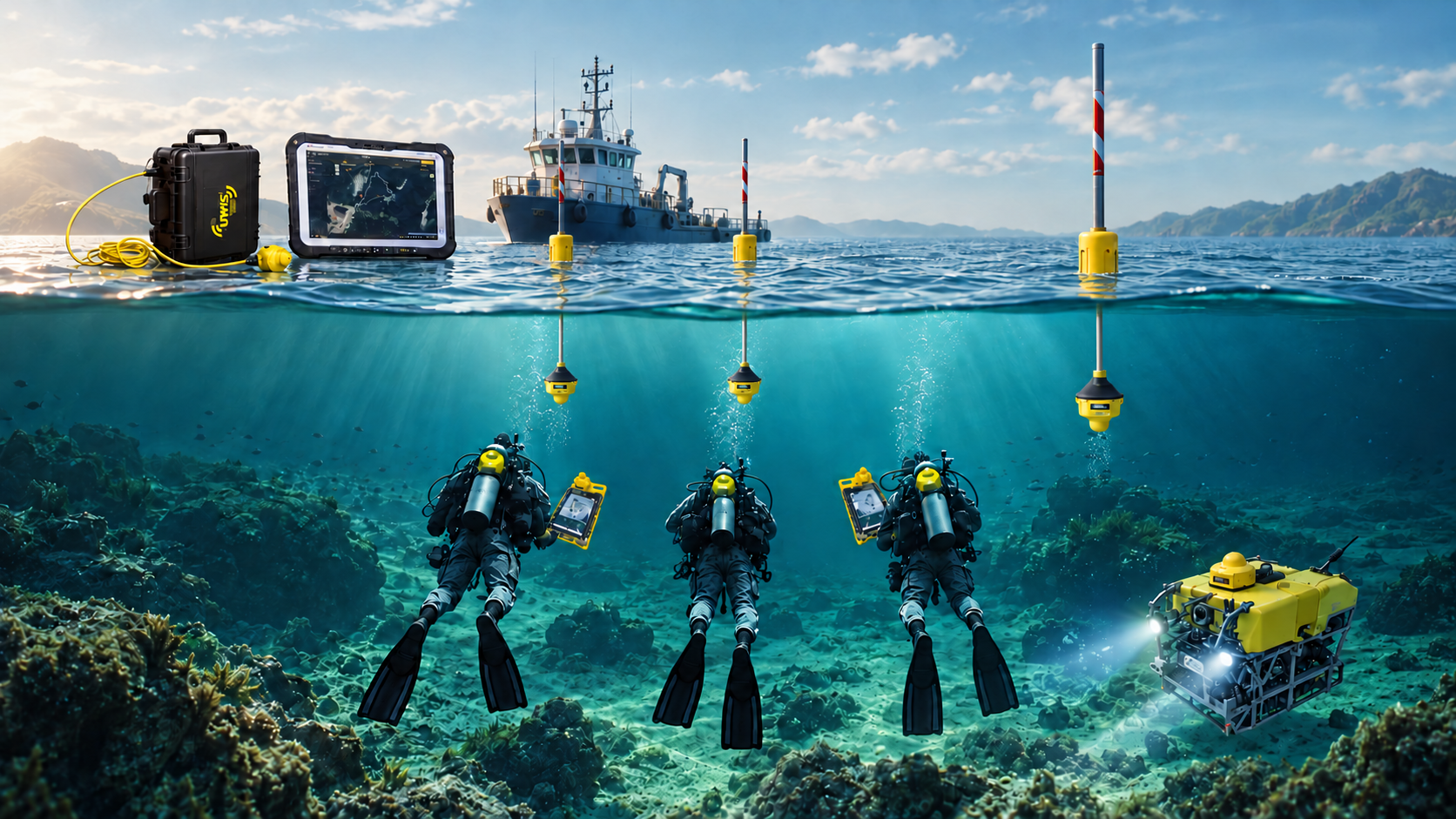
The system foundation
Every UWIS system uses three buoys to establish the positioning reference. Up to 100 UWIS Diver Units can be part of the system, carried by divers or mounted on ROVs.
Three GNSS-equipped UWIS Buoy Units provide the surface reference. Acoustic communication with the underwater units enables position calculation.
The UWIS Diver Unit accompanies the diver or ROV and communicates acoustically with the buoys. Wireless underwater connections give divers freedom of movement while shared information supports team awareness and safety.
For the surface team
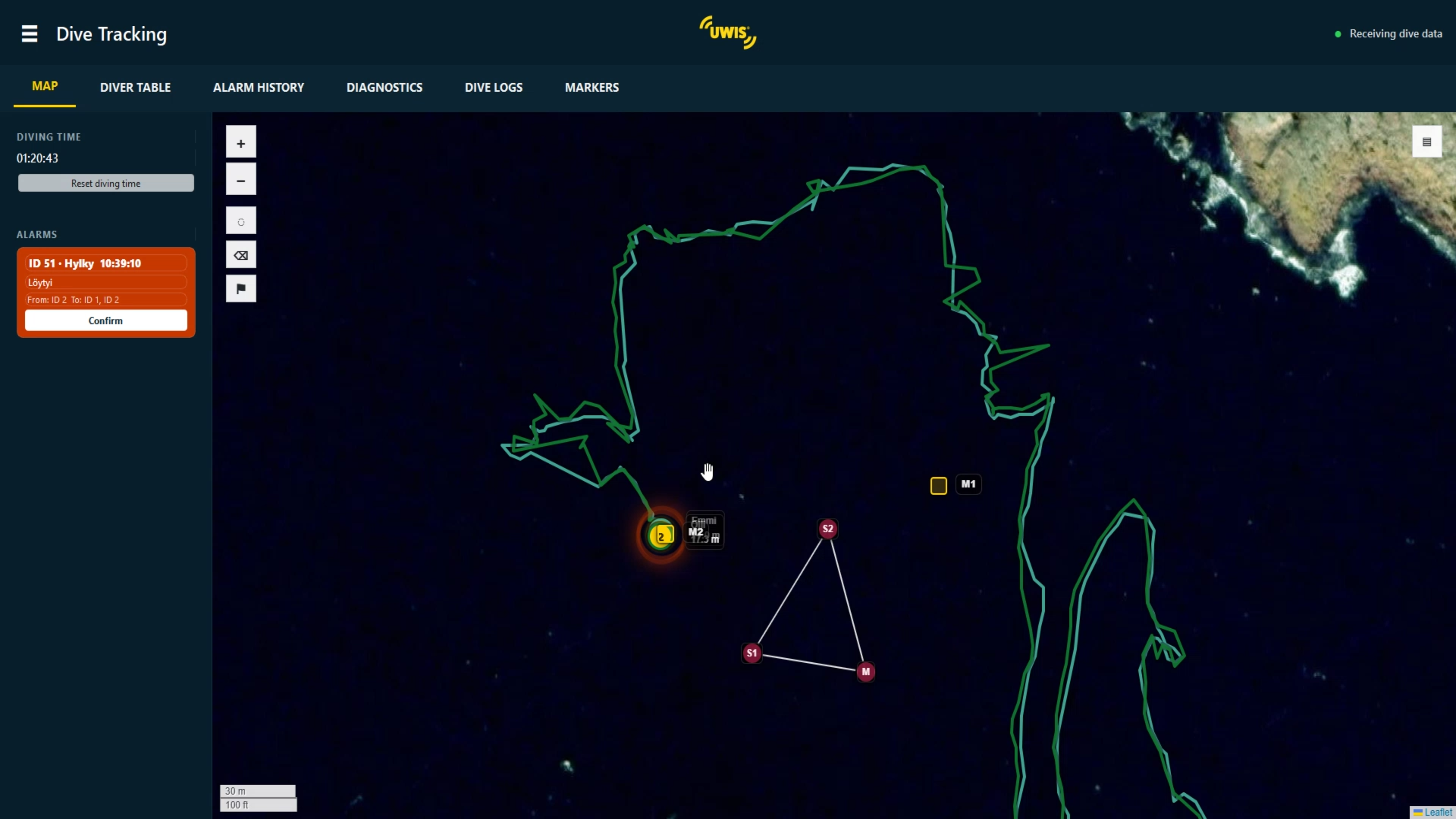
UWIS Tracker and UWIS Viewer give the surface team tools to change settings, interact with divers and follow their routes. Both collect real-time dive data for documentation and review.
Windows · Surface software
Android · Surface application
For the diver / Android on Alltab
UWIS Navigator is the diver's full navigation and communication application, designed for underwater use on Alltab.
The screenshot shows the DPV view, optimised for DPV use.
View the full Navigator screenshot ↗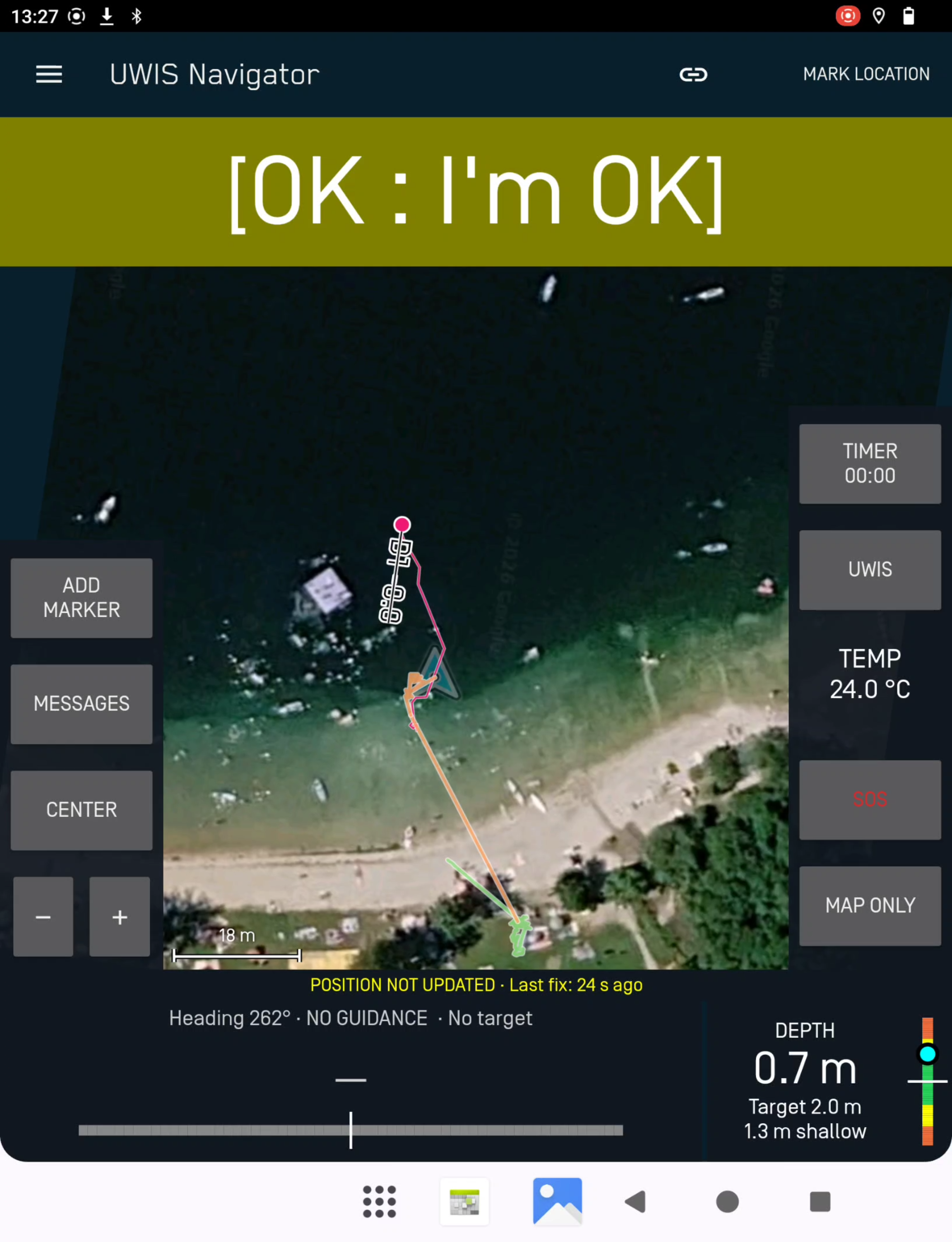
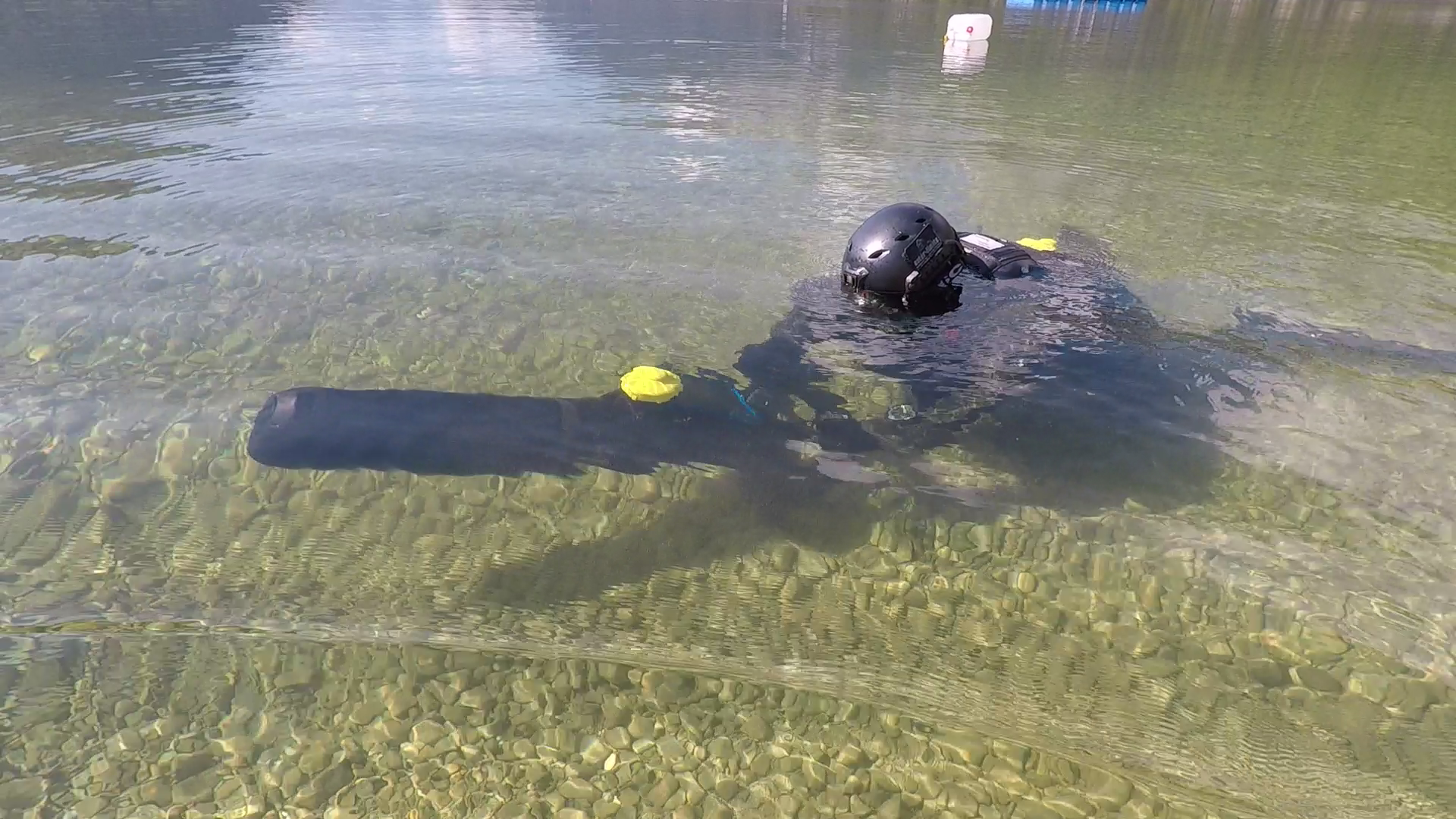
Communication and awareness
Divers and the surface team can exchange predefined messages to stay connected during the operation.
The embedded UWIS software can send preset automatic alerts when these have been enabled in the system settings.
Real-time dive data collected by UWIS Tracker and UWIS Viewer supports documentation, review and analysis after the operation. UWIS devices also record dive data in their own internal memory.
Buoy options
The system always needs three buoys. Choose the buoy product configuration to suit where and how you operate.
The standard buoy option for establishing the system's surface reference.
An alternative buoy product configuration, particularly useful when operating directly from larger vessels or when the buoys need to pass through very thick ice.
Explore products and setups ↗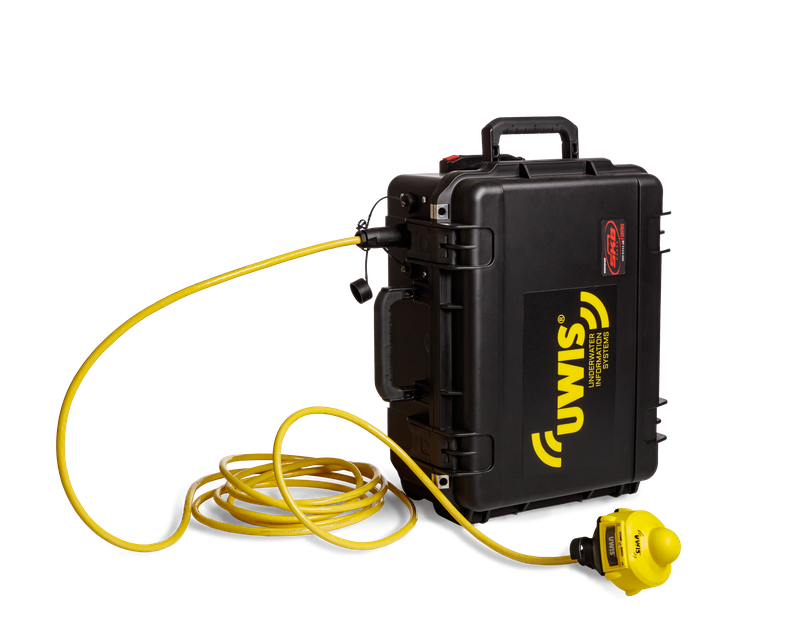
More about the system
Read the UWIS brochure for an overview of the system, applications and specifications.
Every UWIS system requires three buoys. It can include up to 100 UWIS Diver Units.
UWIS Tracker (Windows) and UWIS Viewer (Android) serve the surface team. UWIS Navigator (Android) is designed for underwater use on Alltab.
Preset automatic alerts are sent by the embedded UWIS software when enabled in the system settings.
Discuss your vessel, ice conditions and deployment needs with the UWIS team.
Start with your operation
Tell us about your team, environment and mission.
Let's explore the right UWIS setup together.